

Take the Spanish Level Test, Find Your CEFR Level!
- Take the Spanish test online, anywhere, anytime
- Find out your CEFR Spanish level (A1–C2) instantly
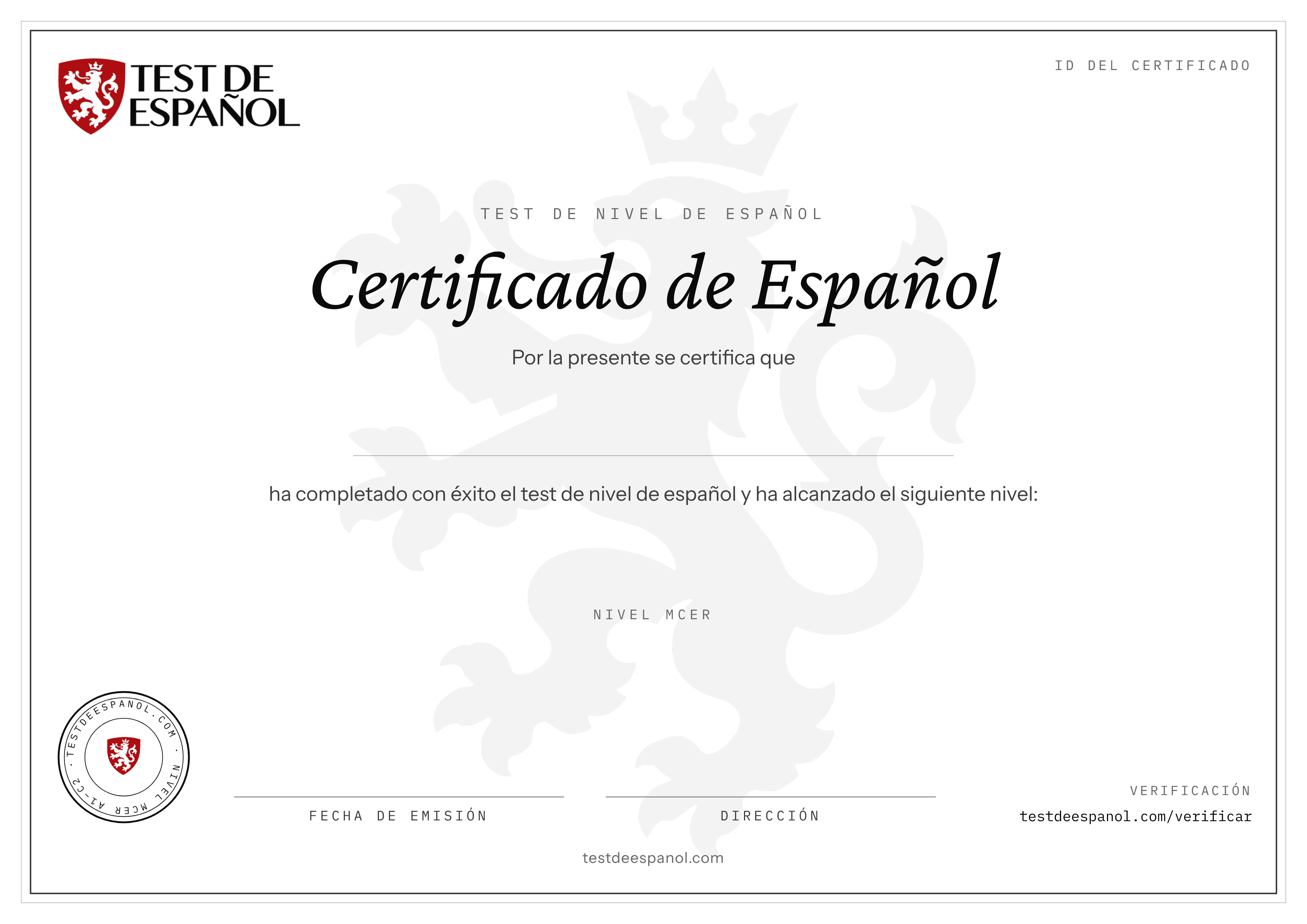
- Level certificate coming soon
- 50
- questions
- 50
- min test
- A1–C2
- CEFR result
- Free
- no sign-up
One test, four skills
50 questions that place you between A1 and C2.
18 questions
Grammar
Tenses, subjunctive, pronouns, prepositions and agreement.
16 questions
Vocabulary
From everyday words to idioms and precise register.
8 questions
Reading
Short texts and longer passages with comprehension questions.
8 questions
Listening
Spoken Spanish, played up to twice per question.
What your level means
The result follows the Common European Framework of Reference (CEFR).
Beginner
Familiar everyday expressions and very basic phrases.
Elementary
Simple, routine exchanges; the past and the near future.
Intermediate
Main points of clear speech on familiar topics; simple connected text.
Upper intermediate
Complex texts and spontaneous, fluent conversation.
Advanced
Demanding texts, implicit meaning and flexible, effective language.
Proficient
Effortless understanding and precise, nuanced expression.
How it works
- 1
Start the test
No account needed. The first question appears right away.
- 2
Answer 50 questions
You have 50 minutes. Questions go forward only, so answer carefully.
- 3
Get your level
See your CEFR level and a breakdown by level and skill straight away.
Frequently asked questions
Is the test really free?
Yes. Taking the test and seeing your level costs nothing and needs no sign-up.
How long does it take?
You have 50 minutes for 50 questions. Most people finish a little earlier.
Do I see which answers were right?
No. You get your level and a breakdown, but not the answer key, so the result stays reliable.
Is a certificate available?
A verified level certificate is coming soon. The sample on this page shows what it will look like.
Do I need headphones?
Eight questions are listening questions, so use speakers or headphones. Your browser needs a Spanish voice; if it has none, a text version is shown.